



Delete Your Account – Classmate Playdate
We understand that sometimes you may want to delete your account and associated data.
Below are the steps to do so.
How to Delete Your Account
Alternative option below:
Alternatively, you may email us at support@classmateplaydate.com with the subject line “Delete My Account” from the email address associated with your account.
- Open the Classmate Playdate app.
- Tap the Settings icon.
- Select Delete My Account at the bottom.
- Confirm your choice.
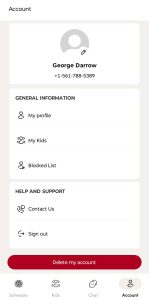
To delete your account go to the Account tab on the bottom of the screen
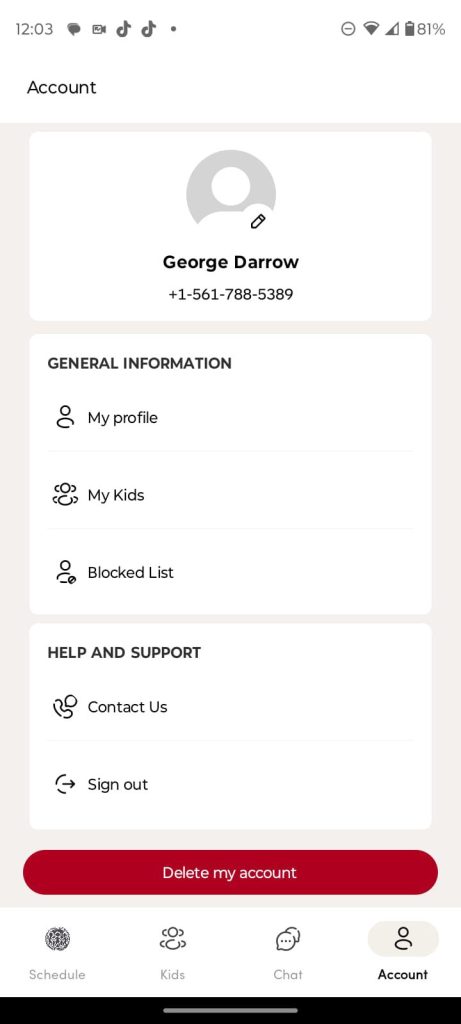
Click on Delete My Account
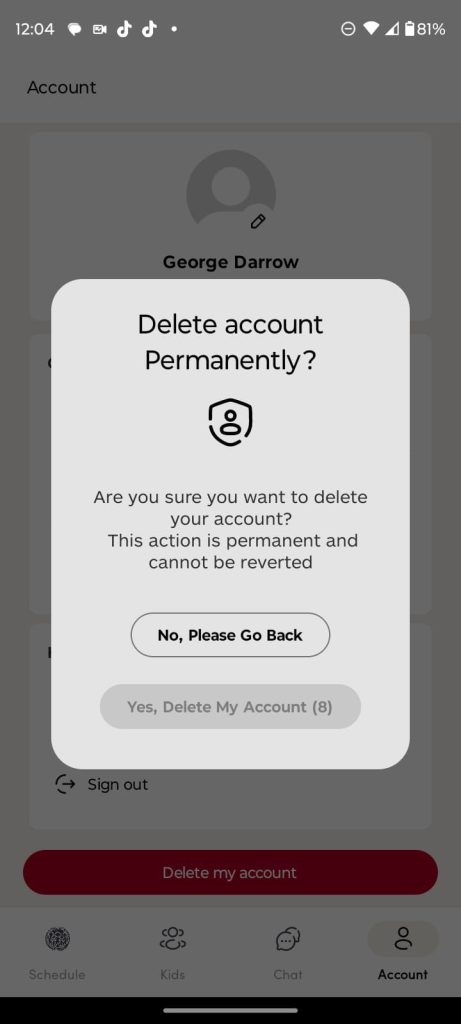
Wait 10 Seconds for the Yes button to change to black
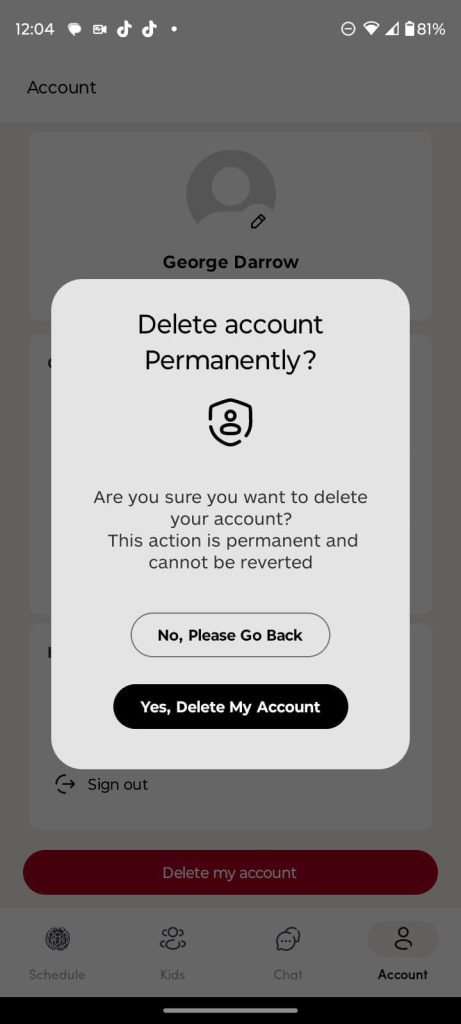
Press Yes, Delete My Account
What Happens When You Delete Your Account
- Your account information, chat history, and profile data will be permanently deleted from your devices. Once you confirm deletion, you can not again get access to your account.
- It may take as long as 90 days to delete your information from all of our servers.
- Some technical logs (not linked to your identity) may be retained for security and auditing purposes.
- Your data may be retained for legal compliance, abuse complaints, terms enforcement, or safety efforts.
- Messages, photos, videos you previously sent to other users will not be deleted from their devices. That information is stored locally on their phones, and they may still retain copies even after your account is deleted.
Questions?
If you have any issues or concerns, please contact us at support@classmateplaydate.com.